Willows Media Group
Willows Media Group
Built a bilingual music label website with headless CMS, enabling non-technical staff to manage artist content and releases independently.
Year
2025
Role
Full Stack Developer
Duration
3 weeks
Read Time
5 min read
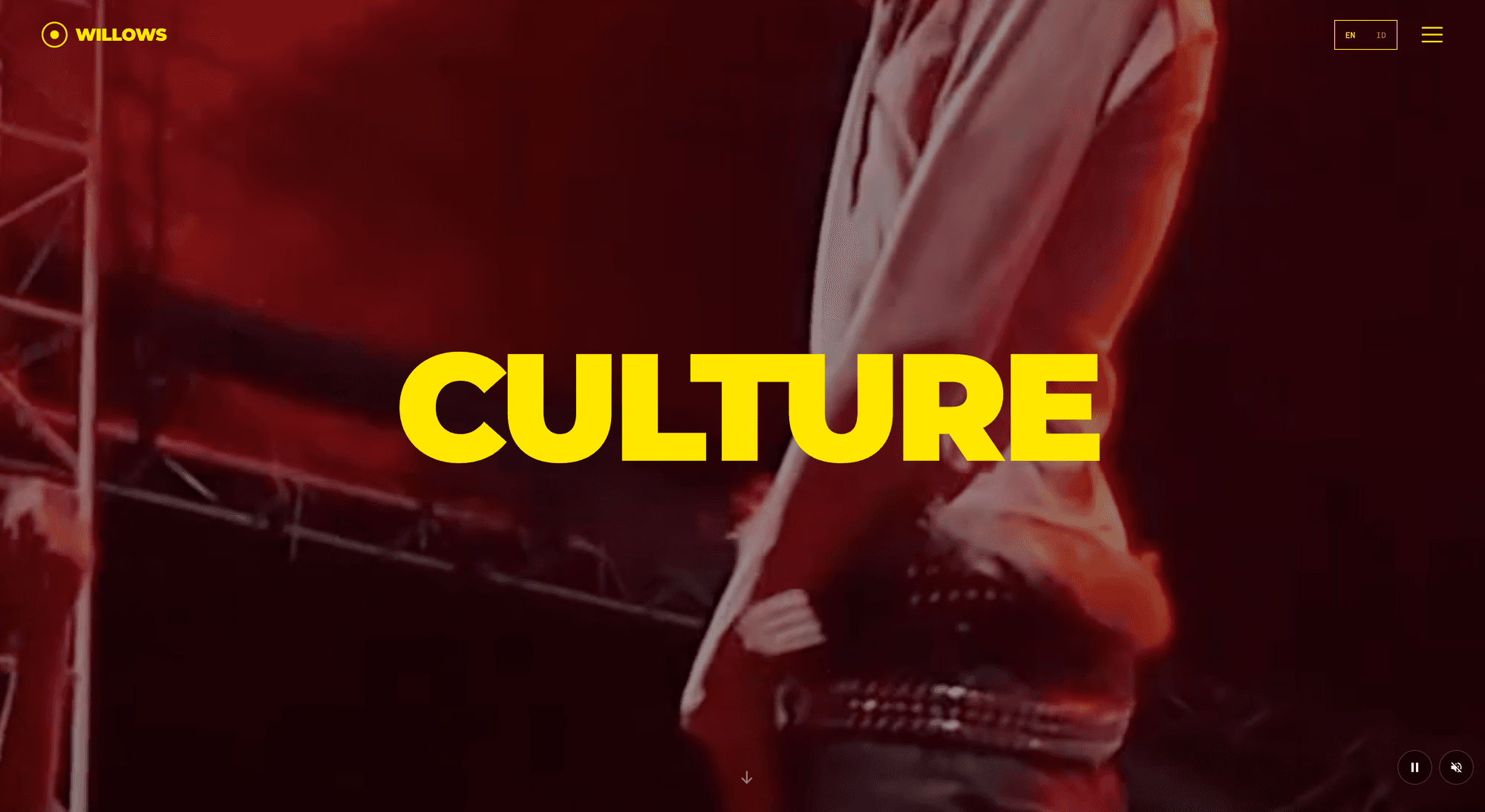
Willows Media Group: A Modern Platform for Indonesian Hip-Hop
Willows Media Group is an independent Jakarta-based label focused on Indonesian hip-hop, R&B, and electronic artists. I built them a bilingual website and content management system — live at willow-records.vercel.app — that lets non-technical staff manage the whole site, in two languages, without developer involvement.
The Problem
The label had the growing pains you'd expect:
- Artist bios, photos, and show information required a developer to update
- All content needed Indonesian translations for the local market alongside English
- Release information was manually duplicated between the website and Spotify
- Large artist photos and videos needed to perform on Indonesian mobile connections
- Artist pages needed individual personality within a consistent label identity
Architecture
The build separates content from presentation: Payload CMS as a headless backend, Next.js App Router on the front, deployed as separate Vercel projects with Neon PostgreSQL and Vercel Blob for media. Editors get live preview — they see their changes rendered on the real frontend, at mobile and desktop breakpoints, before publishing:
// Live preview configuration in Payload CMS
livePreview: {
  url: ({ data }) => {
    const baseUrl = 'https://willow-records.vercel.app'
    if (data?.slug) {
      return `${baseUrl}/en/artists/${data.slug}`
    }
    return baseUrl
  },
  collections: ['artists', 'shows', 'videos', 'pages'],
  breakpoints: [
    { label: 'Mobile', width: 375, height: 667 },
    { label: 'Desktop', width: 1440, height: 900 },
  ],
}
Collections model the label's world directly — artists, shows, videos, pages — with bilingual fields side by side so editors manage both languages in one place:
// Collection definition for Artists
export const Artists: CollectionConfig = {
  slug: 'artists',
  admin: {
    useAsTitle: 'name',
    livePreview: { url: ({ data }) => `${FRONTEND_URL}/artists/${data.slug}` },
  },
  fields: [
    { name: 'name', type: 'text', required: true },
    { name: 'slug', type: 'text', required: true, unique: true },
    { name: 'bio', type: 'richText' },
    { name: 'bioId', type: 'richText', label: 'Bio (Indonesian)' },
    { name: 'photo', type: 'upload', relationTo: 'media' },
    { name: 'spotifyId', type: 'text' },
    { name: 'accentColor', type: 'text' },
  ],
}
Key Features
Bilingual by Construction
Internationalization runs on next-intl with URL-based locales (/en/artists vs /id/artists), automatic locale detection with manual override, and dual content fields in the CMS. Doubling the content fields is a real cost, but keeping both languages on one editing screen beat every alternative for the actual editors using it.
Spotify Catalog Sync
Each artist's releases come straight from the Spotify Web API — albums, singles, and EPs with artwork, track counts, release dates, and streaming links — so the catalog stays current without manual entry:
export async function getArtistReleases(artistId: string, limit = 20) {
  const token = await getSpotifyToken()
  const response = await fetch(
    `https://api.spotify.com/v1/artists/${artistId}/albums?limit=${limit}&include_groups=album,single,ep`,
    { headers: { Authorization: `Bearer ${token}` } }
  )
  return response.json()
}
Immersive Artist Pages
Each artist gets a custom Three.js scene via React Three Fiber — particle systems keyed to their accent color — with scroll-driven parallax and graceful fallbacks for low-powered devices. Individual personality, consistent system.
Performance for the Actual Audience
The audience is substantially on Indonesian mobile connections, which shaped the performance work: WebP with responsive srcsets through Next.js Image, dynamic imports so 3D scenes never block first load, skeleton states with lazy-loaded components, and ISR with one-hour revalidation for CMS content.
Problems Worth Writing Down
Vercel Blob + Payload 3.x. The storage adapter docs were sparse for production setups. The working configuration: disablePayloadAccessControl: true to serve files directly from the CDN, a Content Security Policy updated to allow the blob storage domain, and remotePatterns in the Next.js config so image optimization accepts the external host.
Live preview across separate deployments. The CMS and frontend are different Vercel projects, so live preview means a cross-origin iframe. Getting it working took adding the CMS domain to the frontend's frame-ancestors CSP directive, CORS configuration in Payload, and Permissions-Policy headers so Spotify embeds work inside the preview iframe.
Payload import maps. Payload 3.x handles complex use cases well, but custom admin components require regenerating the import map — the kind of thing that costs an hour the first time and a minute every time after.
Lessons Learned
Plan collections before building them. Time invested in field design upfront prevented migration headaches later — schema changes after content exists are an order of magnitude more annoying.
Live preview earns its setup cost. Editors strongly prefer seeing real rendered changes over abstract admin forms. Of everything in the build, it's the feature that most changed how the label works.
3D needs a performance budget. The WebGL backgrounds carry the site's visual identity, but only because they're aggressively optimized and degrade gracefully. Shipped without the fallbacks, they'd be a liability on exactly the devices the audience uses.
Interested in similar results?
Let's discuss how I can help bring your project to life with the same attention to detail.